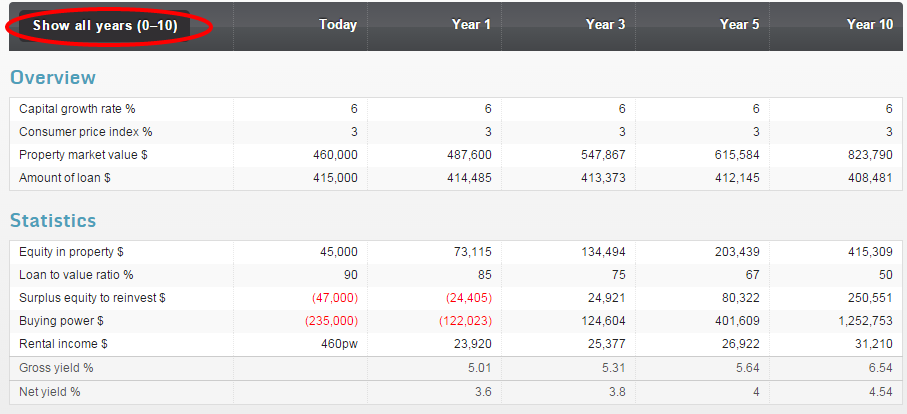
By adjusting the years to your preferred display by using the toggle in the upper left hand corner of the window, pictured below.
The report will default to display years 1, 3, 5 and 10 however you have the option to click Show all years (0-10) which will then display the full forecast from years 1 to year 10 inclusive.
You can re-select Show only years 1, 3, 5 & 10 if you wish to.