
Easily move your desired property from Property Analyser to Portfolio tracker by enabling the pop up box. Video demonstration featured.
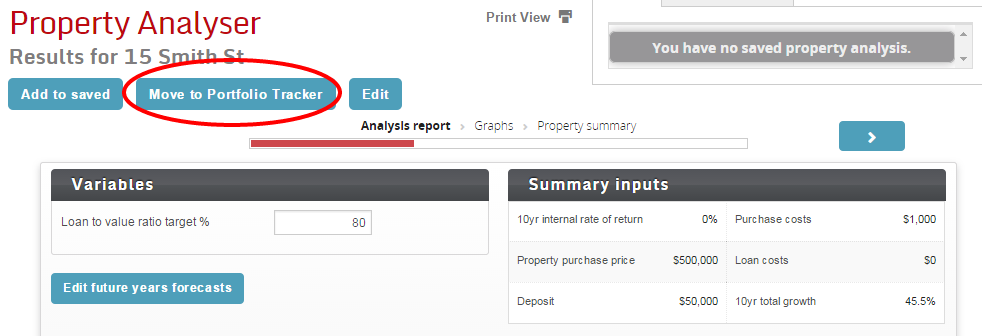
Click Move to Portfolio Tracker at the top of the Property Analyser report. A pop up box will ask you to add a property to your portfolio and select the entity you would like it to belong to.
Learn more with our short video: