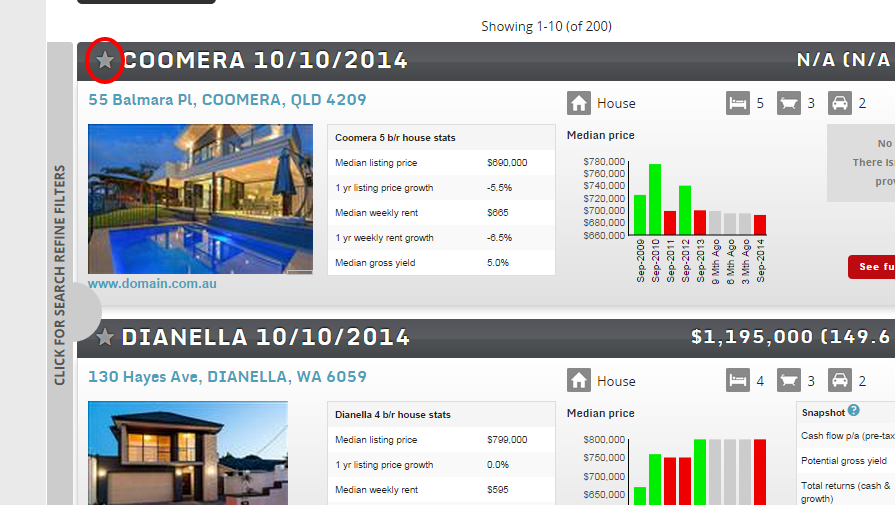
Quickly save a search with your desired properties, and easily delete old searches which you no longer require by using the star logo.
To save a property into your Watchlist:
- Run a search to identify matching properties.
- Click on the star icon on the top left corner of the listing. Once it is shaded yellow this means it has been added to your Watchlist.
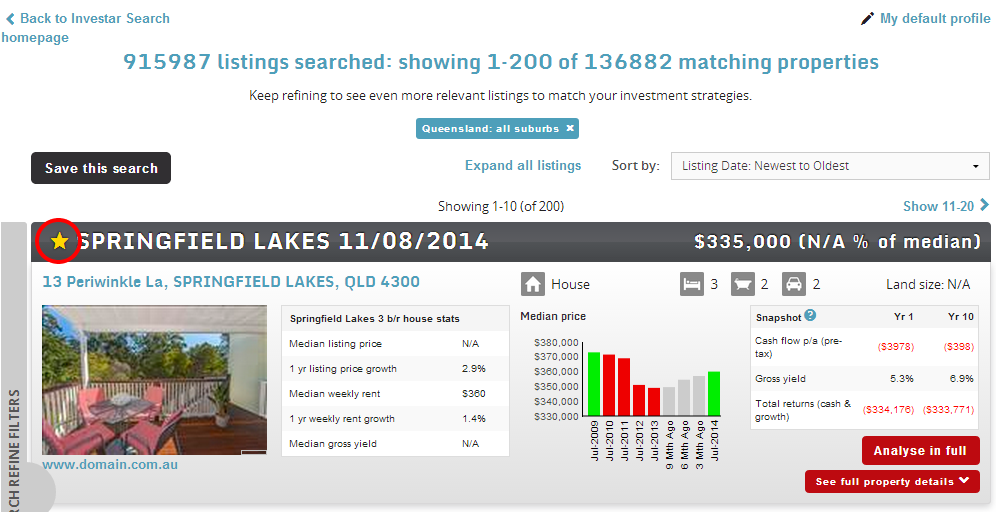
To delete a property from your Watchlist:
- Click on the star icon so it is no longer yellow in colour.
- OR go to My watchlist and click on the minus icon to delete.